
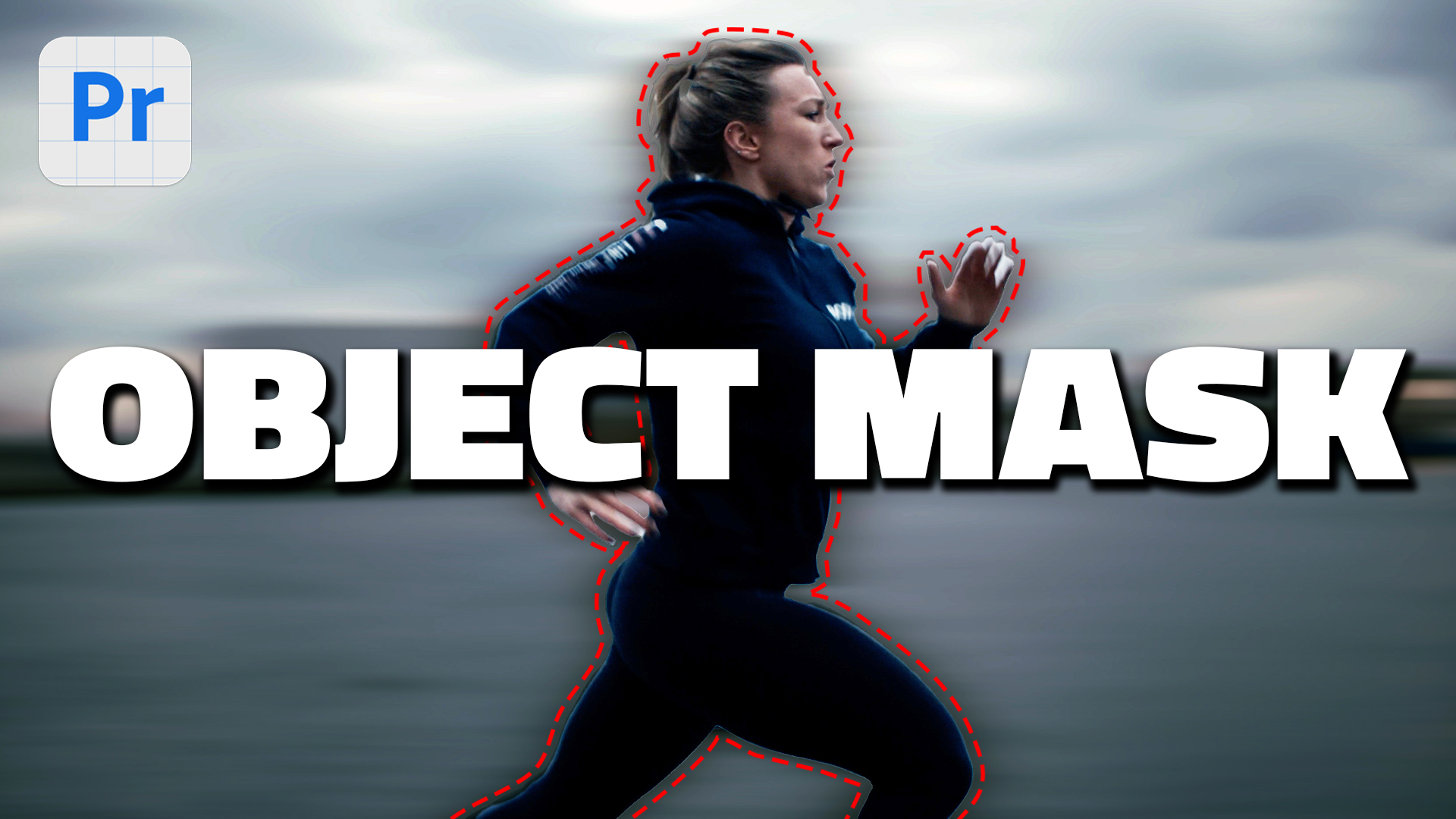
Automatic OBJECT MASK in Premiere Pro BETA
- Premiere Pro
- Beta
- AI
4 min read —
Adobe’s Object Mask in Premiere Pro Beta is one of the most exciting AI features I’ve tested this year. It lets you isolate a subject in your footage with a single click — a huge time saver compared to manual rotoscoping.
What Object Mask does
Object Mask uses AI to detect and track a subject across your clip. Once selected, you can:
- Apply effects only to the masked subject (or only to the background)
- Swap backgrounds without rebuilding a matte by hand
- Combine with color grading for selective looks
My workflow so far
I start by selecting the subject on a representative frame, then let Premiere track through the clip. For fast motion — like hockey or combat sports — I still check key frames and touch up problem areas. The AI is impressive, but it’s not magic on every shot.
When it’s worth using
- Interview b-roll where you want the subject popped from a flat background
- Product shots with clean edges
- Sports highlights when you need a quick isolation for a graphic treatment
For hair, glass, and heavy motion blur, expect to refine. But even with cleanup, you’re often saving hours versus manual masking.