
Cinematic Punch in Seconds with Speed Zoom Transitions for Premiere Pro
- Premiere Pro
- Transitions
- Presets
2 min read —
If you’re tired of basic cuts and want to instantly level up your edits, the Speed Zoom Transitions pack is built for exactly that. Cinematic punch-in zooms you can drop on any cut without rebuilding motion from scratch.
Why speed zoom works
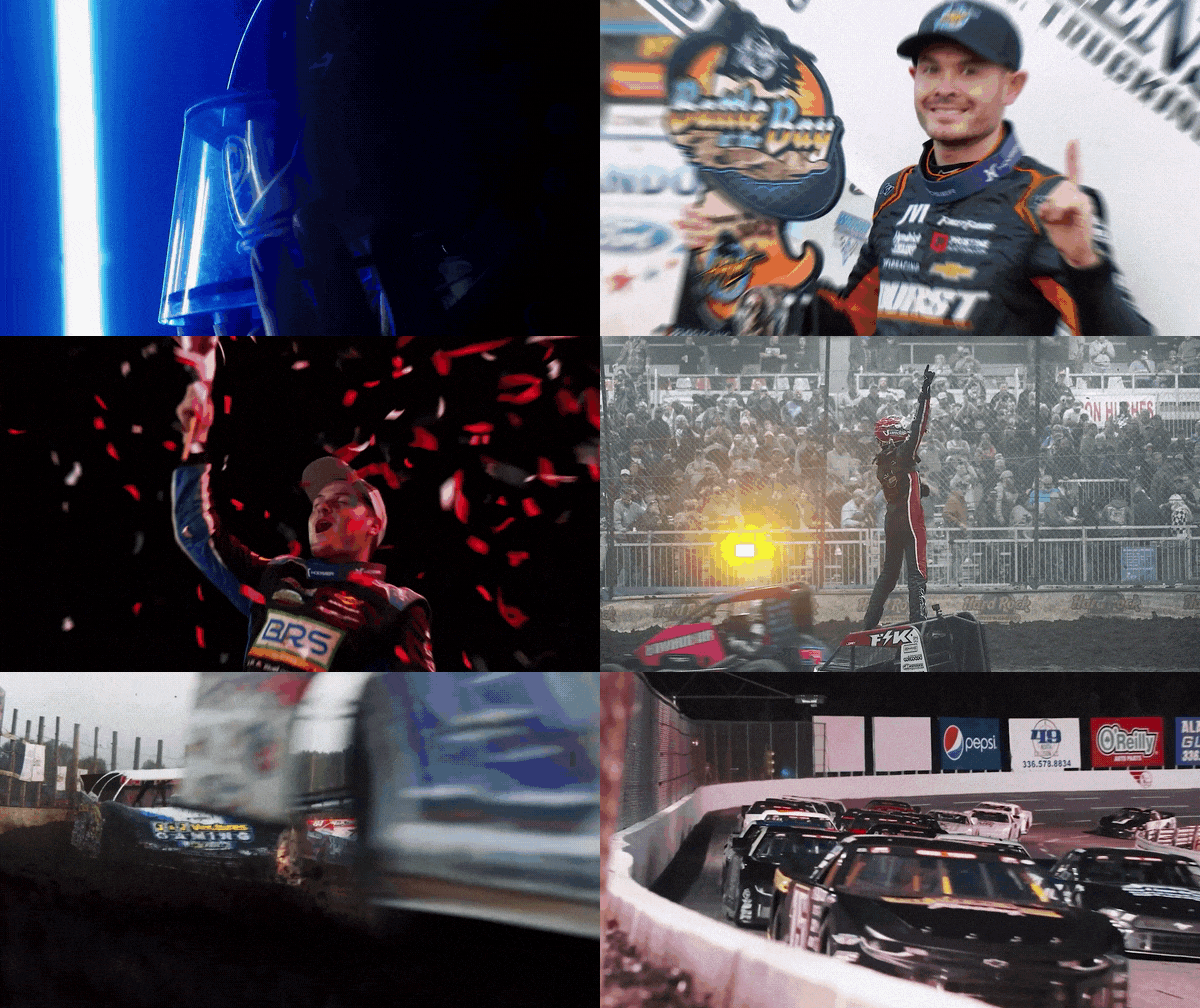
A speed zoom sells velocity. The camera feels like it’s rushing toward (or away from) your subject at the exact moment of the cut. That micro-burst of motion:
- Anchors attention on the incoming shot
- Hides hard cuts in fast-paced montages
- Pairs perfectly with bass hits and whoosh SFX
What’s in the pack
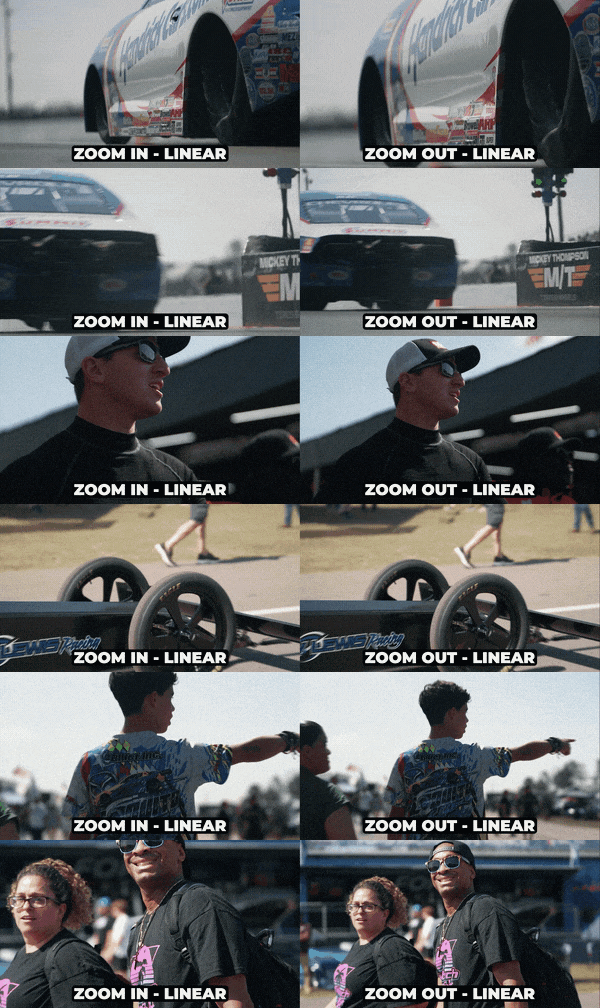
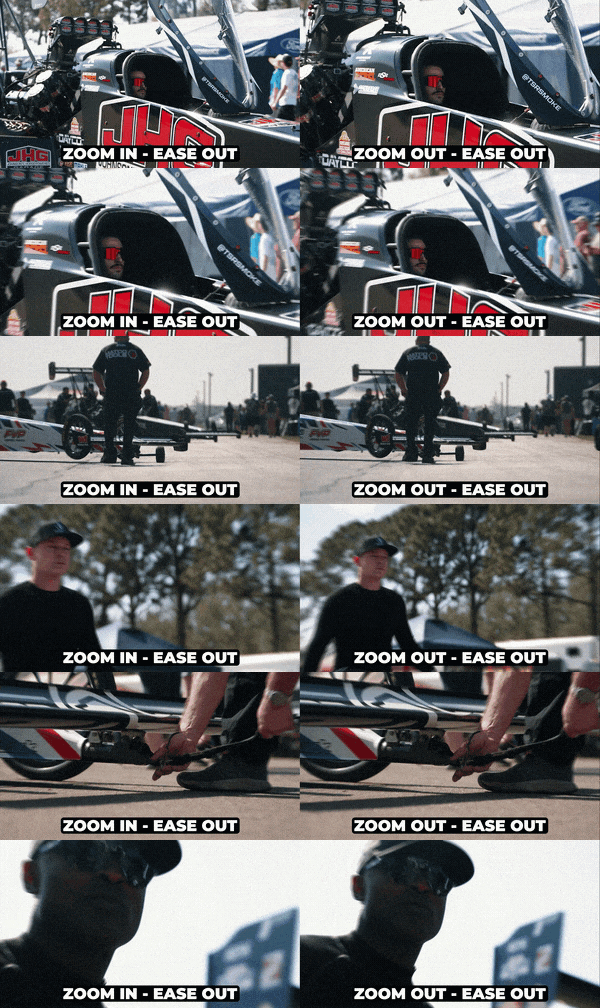
Multiple zoom directions and speeds — in, out, diagonal — all pre-keyframed so you just trim handles to fit your edit.

How I use them
- Place an adjustment layer over your cut point
- Drag the preset and snap to the marker
- Trim 5–10 frames on each side for breathing room
- Layer a whoosh underneath — done
The best speed zooms are felt, not seen. If the viewer notices the effect before the content, pull it back.